
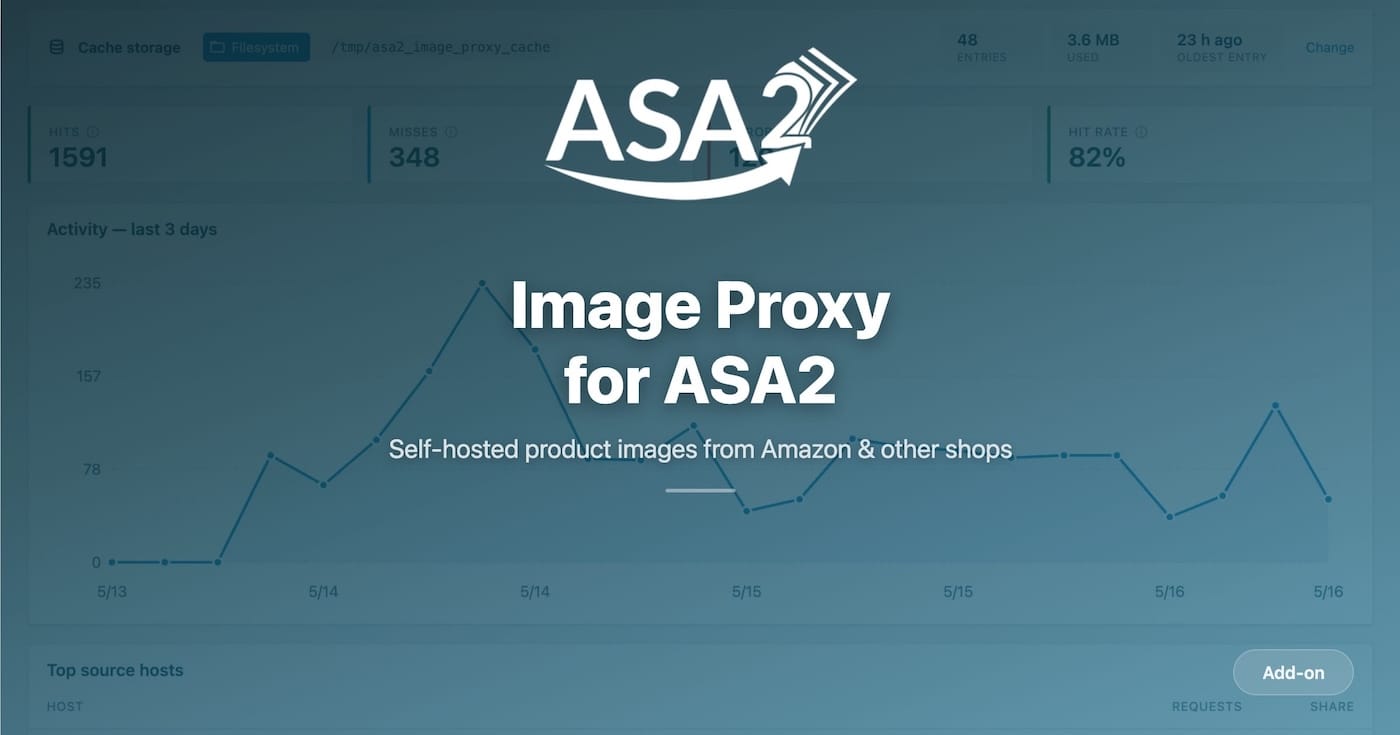

ASA2 Image Proxy 1.0.0 is now available as a free add-on plugin. It routes Amazon product images — and those of any other shop ASA2 manages — through a server-side PHP pipeline so visitor IPs never reach third-party CDNs. With caching, automatic resize, and hardened SSRF protection.
What ASA2 Image Proxy Offers
- Visitor IP Protection: Product images load from your domain, not Amazon’s CDN or any other shop’s host — no third-party request, no extra cookie banner entry
- Three Cache Backends: Filesystem, Redis, or Memcached — backend availability is auto-detected at runtime
- Automatic Resize: Native PHP GD resizes images fit-inside and never upscales, reducing payload size
- SSRF & DNS-Rebind Hardening: Origin allowlist, RFC 1918 blocklist, and cURL IP pinning keep internal services invisible to the proxy
- Zero Configuration: All managed ASA2 templates route images through the proxy automatically once the add-on is active
Why a Server-Side Image Proxy
Until now, every external product image embedded in a post was loaded directly from its upstream origin — Amazon’s CDN for most affiliate sites, plus any custom shop imported via CSV. That direct request leaks the visitor’s IP, User-Agent, and referer to a third party. Cookie consent audits typically flag this as a third-party data transfer, the browser re-fetches the image on every page view, and a unilateral host change at the upstream origin can break hotlinked images overnight.
ASA2 Image Proxy fetches each image once on the server, optionally resizes it, caches it, and streams it back from your domain. Visitors never touch the upstream image origin directly. Repeat hits skip the upstream entirely and are served from local storage in milliseconds.
How the Pipeline Works
Each image request runs through a typed pipeline: the URL is verified (optionally HMAC-signed), the cache is checked, the host is resolved to an IP, the SSRF guard inspects the target, the fetcher downloads the bytes with cURL IP pinning, the driver decodes and resizes, and the result is cached and streamed back.
Every outcome — hit, miss, or typed error — is recorded for the dashboard. Failures are mapped to deterministic HTTP responses (403 for security rejections, 502 for upstream failures) and the response body never leaks internal detail.

The dashboard surfaces hourly cache-hit, miss, and error counts so the proxy’s health is visible at a glance.
Three Cache Backends
The proxy ships with three cache backends. All three implement the same ImageCache interface, so swapping between them is a configuration change — not a re-architecting exercise.
Filesystem (default)
Stores image bytes under wp-content/uploads/asa2-image-proxy-cache/. No extra services required. Suitable for single-server setups where a sensible baseline that works on any host is more important than absolute throughput. Cache entries are cleaned up via a manual purge from the Tools tab.

The Filesystem backend stores image bytes inside the WordPress uploads directory.
Redis
Reuses an existing Redis server via the phpredis extension. Distributed across servers and supports TTL eviction. Best for load-balanced or multi-site setups where the image cache should be shared across web nodes.
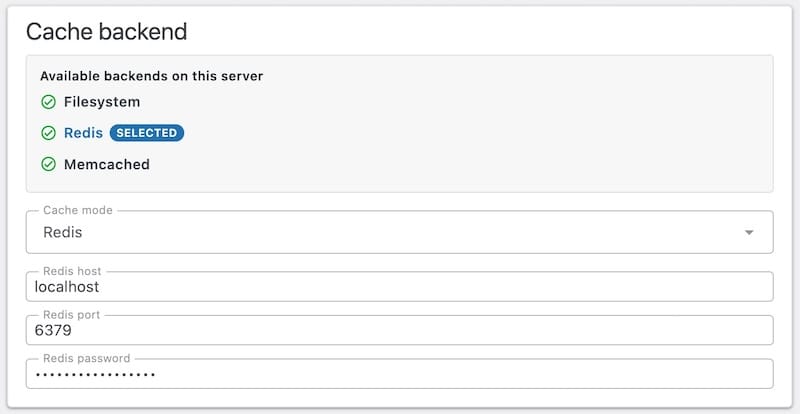
The Redis backend reuses an existing Redis server and shares the cache across servers.
Memcached
Pure in-memory cache via ext-memcached. Fastest reads, no persistence between Memcached restarts. Best for ephemeral high-throughput setups where re-warming the cache after a restart is acceptable.
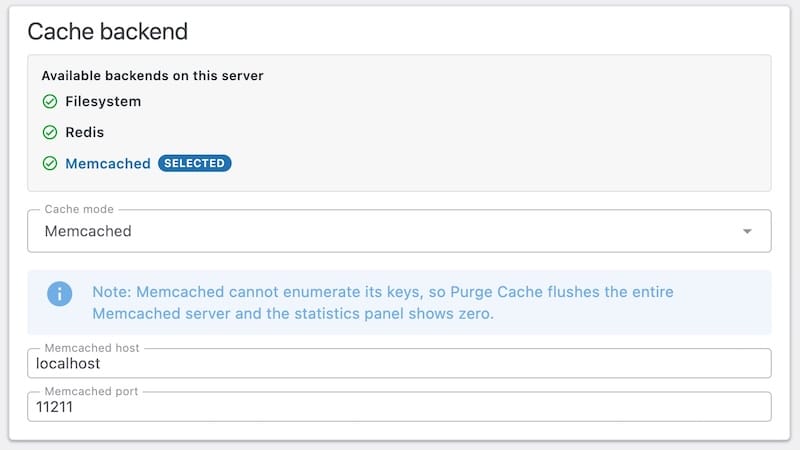
The Memcached backend trades persistence for the lowest possible read latency.
Backend availability is gated by a runtime Capabilities detector. If phpredis or ext-memcached is not installed, the corresponding option is disabled in the UI with a tooltip explaining why.
SSRF and DNS-Rebind Hardening
A poorly written image proxy is an open invitation to scan internal networks. The pipeline takes that threat model seriously.
The SecurityGuard checks every fetch against the PrivateIpBlocklist, which covers loopback, RFC 1918, link-local, and Carrier-grade NAT ranges. This blocklist alone makes sure the proxy cannot be coerced into reaching internal services. An optional origin allowlist can additionally restrict fetches to a specific set of hosts; the default allowlist is empty, so every external source ASA2 emits is allowed.
DNS-rebind attacks are closed off separately. The UrlResolver resolves the upstream host once; the fetcher then uses cURL’s CURLOPT_RESOLVE to pin the TCP connection to that exact IP. Even if the DNS record changes between resolution and connection, the proxy still talks to the IP the security guard approved.
Automatic Resize
Images are resized fit-inside using native PHP GD. The pipeline never upscales: an image smaller than the requested dimensions is served at its original size, not interpolated. Animated multi-frame GIFs are detected by GifAnimationDetector and pass through untouched so the animation is preserved.
Resize happens on the first uncached hit; every subsequent hit at the same dimensions returns the already-resized bytes from cache. Smaller payloads contribute to better Largest Contentful Paint scores without requiring layout changes.
Optional HMAC URL Signing
When signing is enabled, every proxy URL carries an HMAC-SHA256 signature derived from a rotatable secret. URLs that fail verification are rejected before the pipeline runs, which prevents the proxy from being used as an open relay for arbitrary URLs.
Rotating the signing secret flushes cached envelopes automatically, so the new signature is enforced from the next request onward. The Tools tab includes a one-click rotation button alongside test-fetch and routing diagnostics.

The Tools tab bundles test-fetch, routing diagnostics, and one-click signing-secret rotation.
Zero Configuration for Managed Templates
All managed ASA2 templates render image URLs through the asa2_image_url filter. The add-on hooks into that filter and replaces the upstream URL with a proxied one. Activate the plugin, pick a backend, and every product image on the site routes through the proxy automatically — no template editing, no shortcode changes.
Custom templates that use the same image helper inherit the behaviour without modification. The proxy works with both Pretty Permalinks and the Plain permalink setting; in Plain mode it falls back to /index.php/url/... URLs that work without rewrite rules.
Technical Details
- Zero Composer runtime dependencies: The plugin ZIP ships without a
vendor/directory. Native PHP GD handles image work,phpredisandext-memcachedhandle the respective cache backends. - Typed errors: Pipeline failures are typed (
SecurityException,FetchException,DriverException) and mapped to deterministic HTTP responses (403, 502, 500). Internal detail never leaks into the response body. - Pipeline overhead: The proxy adds typically <5 ms on top of the upstream image origin’s response time (Amazon’s CDN for most affiliate sites, or any other shop ASA2 manages) for first-hit fetches. Repeat hits skip the upstream entirely.
- Built-in diagnostics: The Tools tab includes a test-fetch button, a routing diagnostic that detects the active permalink mode, and a signing-secret rotation button. Cache-hit, miss, and error counts are aggregated hourly.
Technical Requirements
- PHP: 8.1 or higher
- WordPress: 6.0 or higher
- ASA2: 1.32.0 or higher
- PHP extensions:
gdfor image processing; optionalphpredisormemcachedfor the corresponding cache backends - License: Free license key (available from the product page)
Getting Started
- Get a free license on the ASA2 Image Proxy product page
- Download the plugin from your account area
- Upload and activate the plugin in WordPress
- Enter the license key on ASA2’s license page
- Open ASA2 > Image Proxy > Settings and pick a cache backend — Filesystem is the default and needs no extra services
- Visit any page with a product template and check the dashboard for the first cache hits
Full configuration details, backend setup notes, and the pipeline reference are covered in the Image Proxy documentation. For questions or issues, visit the help page. The full release history is available on the changelog page.



0 Comments